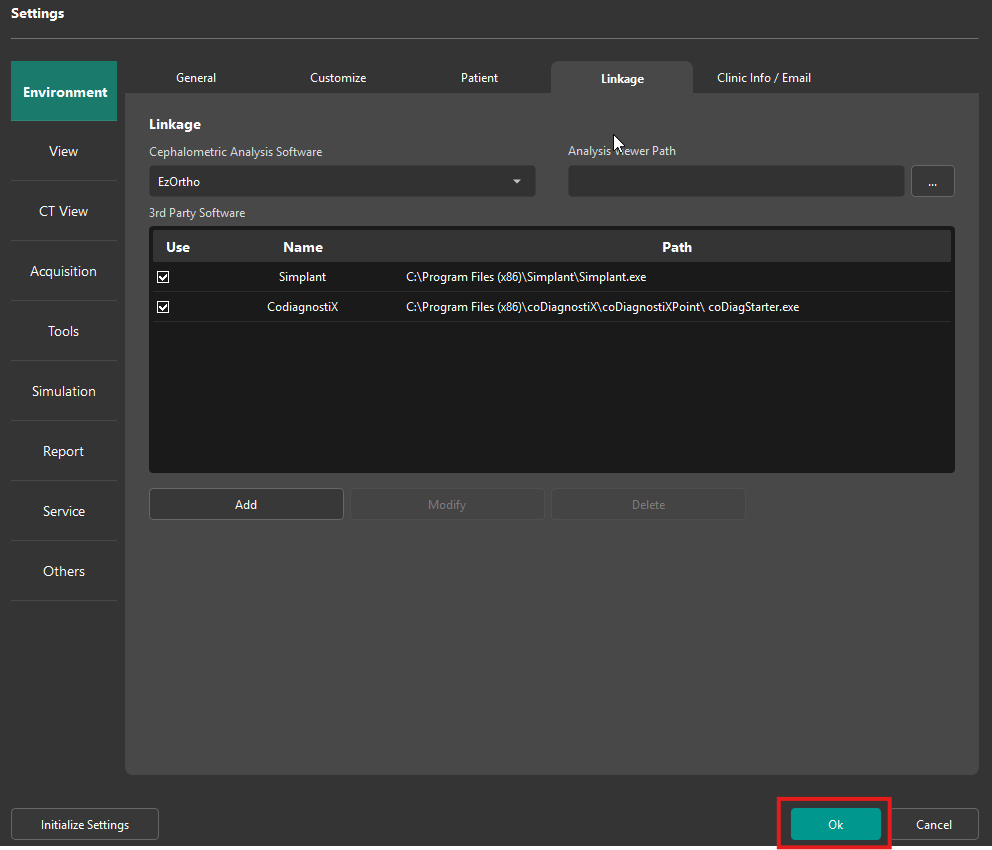
The following guide is provided as an example on how to link CoDiagnostiX from both EzDent-i and CleverOne.
- Before proceeding ensure CoDiagnostiX has been installed and in working order.
EzDent-i:
Click Menu and select Settings
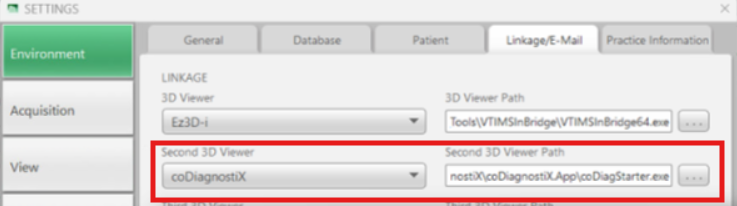
- Under the Environment, Select the Linkage/E-mail Tab.
- Under the Second 3D Viewer or Third, Forth etc... under the drop down select the appropriate Viewer name:
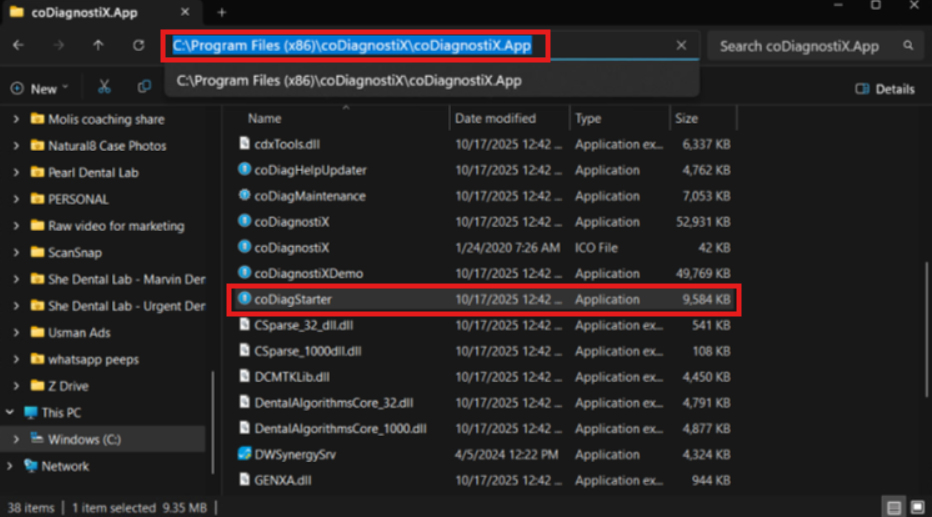
- Browse to C:\Program Files (x86)\coDiagnostiX\coDiagnostiXPoint\
- Select the file: coDiagStarter.exe
CleverOne:
Click the Menu button and select Settings
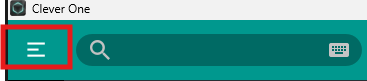
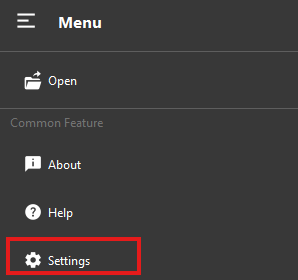
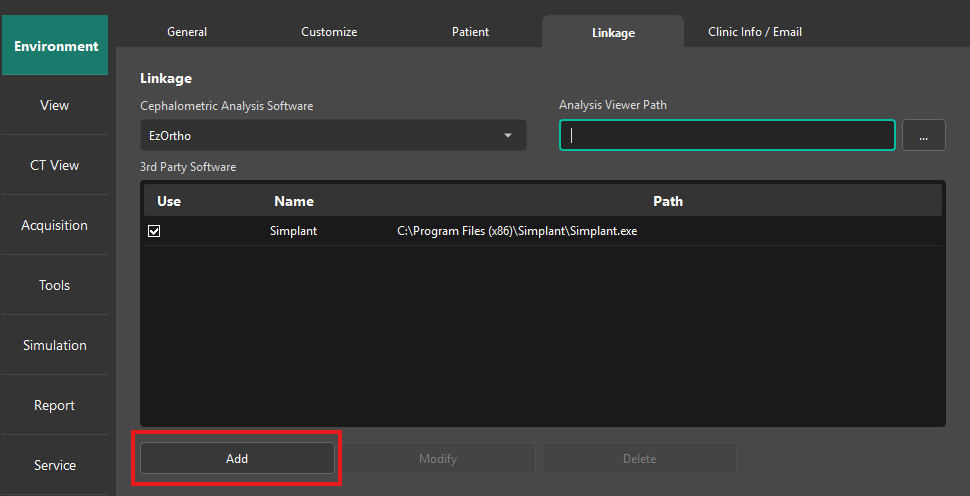
- Under the Environment, Select the Linkage Tab.
- Click Add
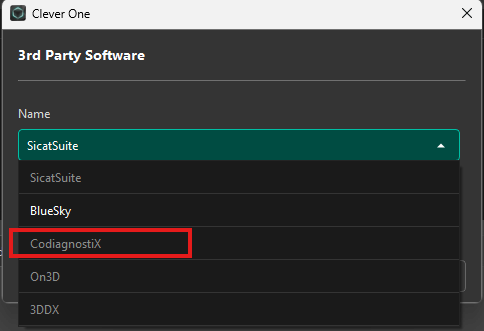
- Under the drop down select the appropriate Viewer name:
- For the Path, click the '...'
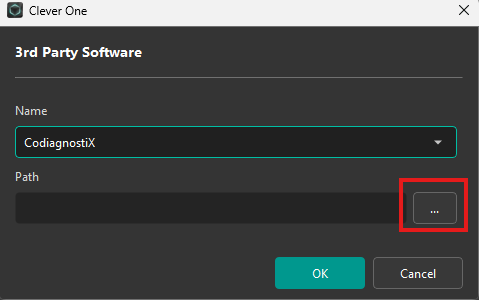
- Browse to C:\Program Files (x86)\coDiagnostiX\coDiagnostiXPoint\
- Select the file: coDiagStarter.exe
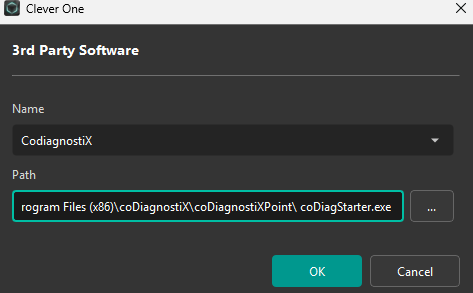
- Now the CoDiagnostiX will be added under the linkage, click 'Ok' to save.