
Please use the following search box to quickly locate valuable FAQ support guide.
You can use key words or full statement to search by. Alternatively you can simply browse by Category belowHow to Link 3rd party viewing software from CleverOne
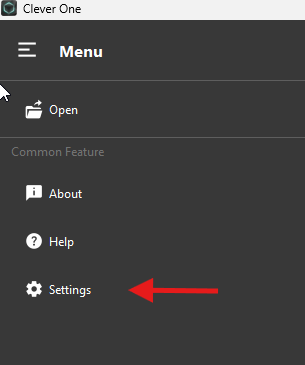
Open CleverOne Menu and Select Settings
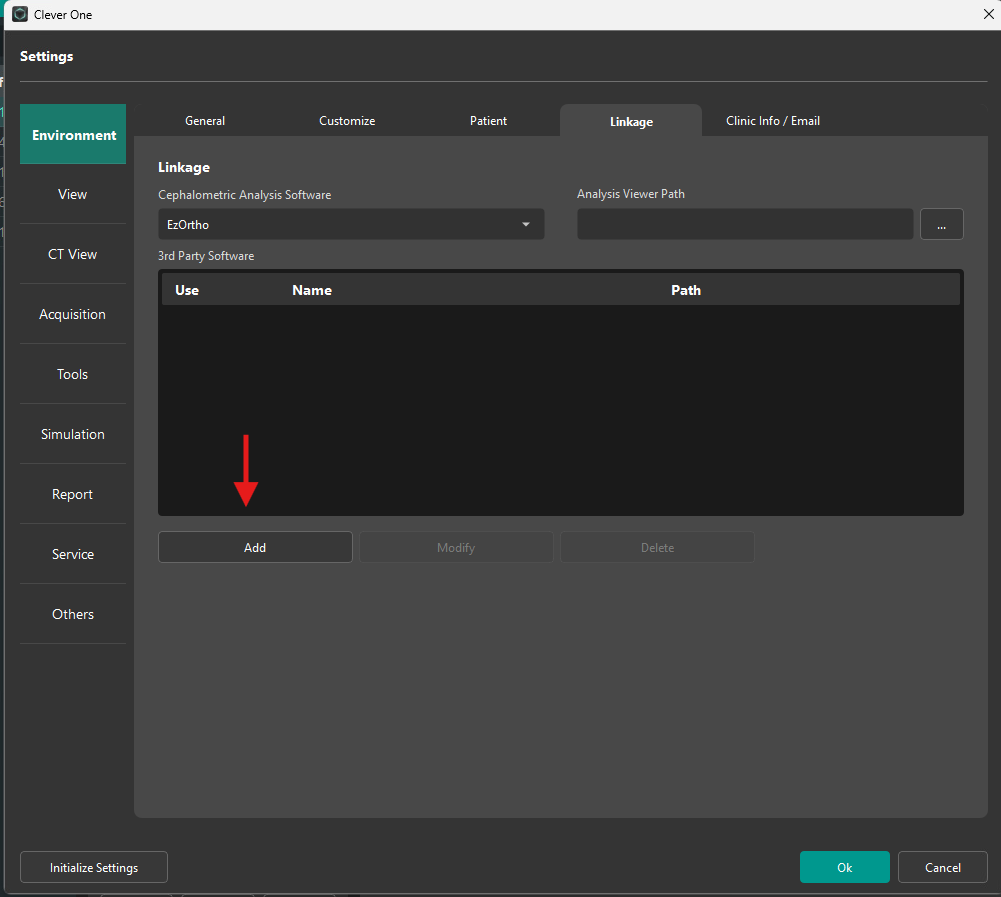
Click Linkage tab, then click ADD
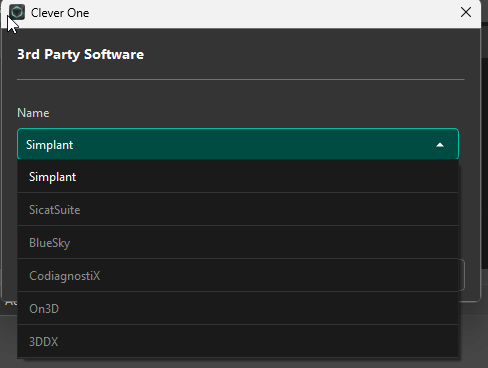
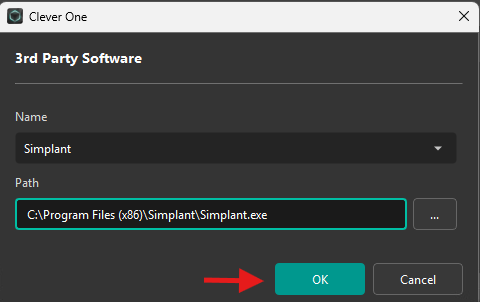
Select the appropriate 3rd party in the list. In this example, using Simplant.
Click the '...' browse button and navigate to the folder location of the 3rd party software, then select the file path and executable. Click 'OK'
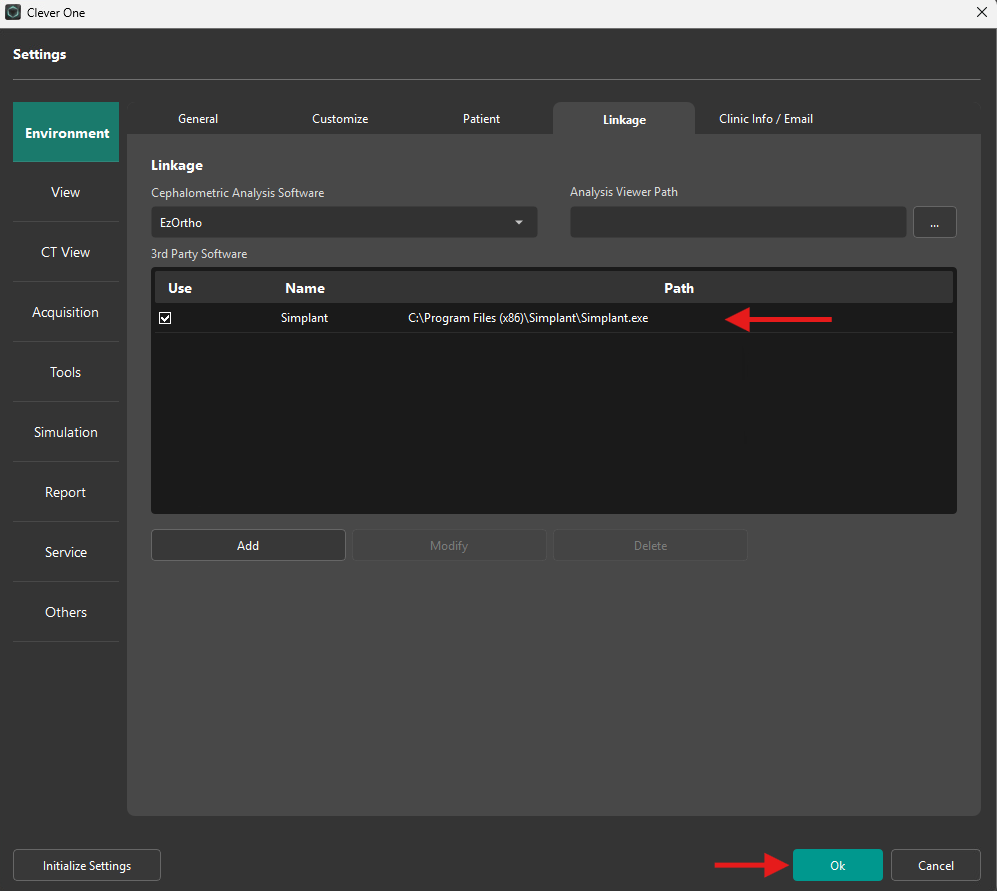
You will now have the following listing for the additional 3rd party link: Ensure 'Use' column is checked to enable. Then click 'Ok'.