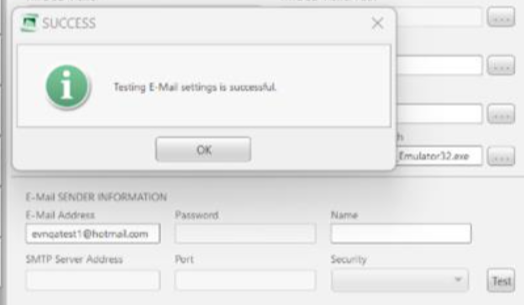

Please use the following search box to quickly locate valuable FAQ support guide.
You can use key words or full statement to search by. Alternatively you can simply browse by Category belowNote: Vatech Service is not able to support in the configuration or support of user configurations. Your IT person should assist in all aspects of configuration and inputting any configuration data.
EZSeries Version requirements:
For the updated Security it is recommended to update to latest version.
If you are not on a supported version you can following the EzSeries Update Guide here to upgrade before following the rest of this guide.
(You can verify the versions by consulting your IT person and verifying via Add/Remove programs program versions lists)
Configuration
This applies to the following email types provided by Microsoft hosted email.
@outlook.com
@hotmail.com
@hotmail.co.kr
@msn.com
Open settings by Accessing the Menu in EzDent-i / Ez3D-i
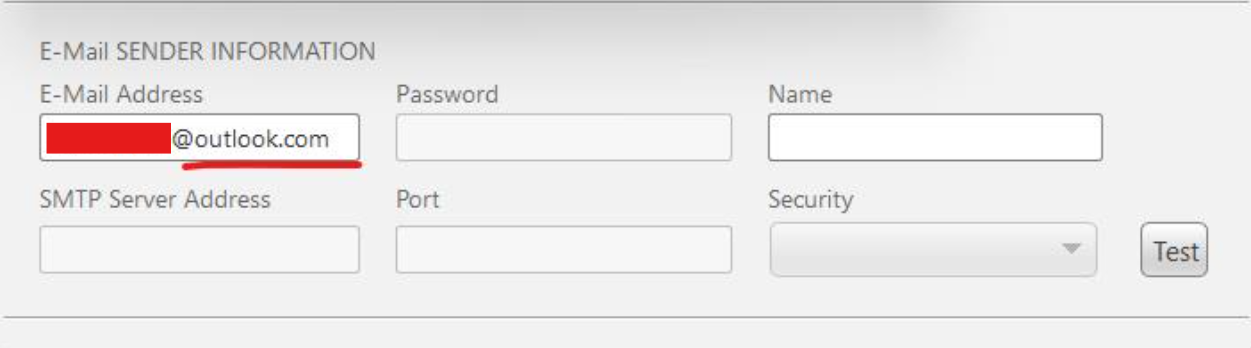
Click under Environment the 'Linkage/E-mail' tab. You will enter your account in E-mail Address.
Supported Version: Enter your email address:
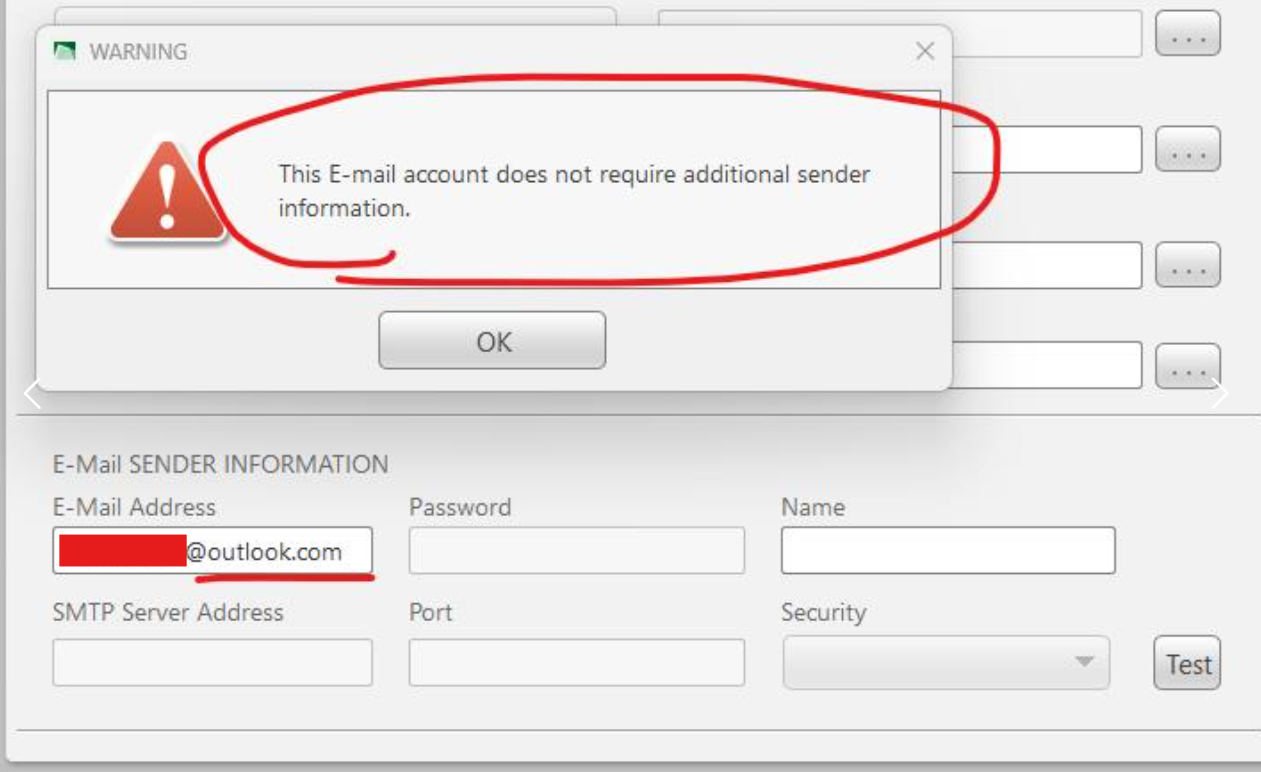
You will be prompted 'This E-mail account does not require additional sender information. Click 'OK' button, the password input field will be disabled.
From this point, the customer will authenticate using a secondary authentication method by Outlook directly.
Once their identity has been verified using the email address originally provided, subsequent prompts for identity verification will no longer appear, thereby enhancing user convenience.
Example: