
Please use the following search box to quickly locate valuable FAQ support guide.
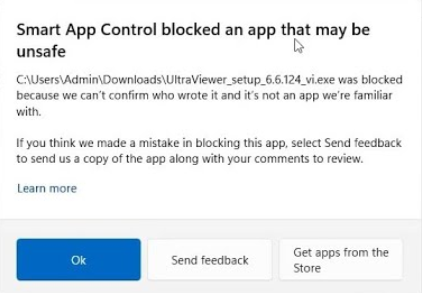
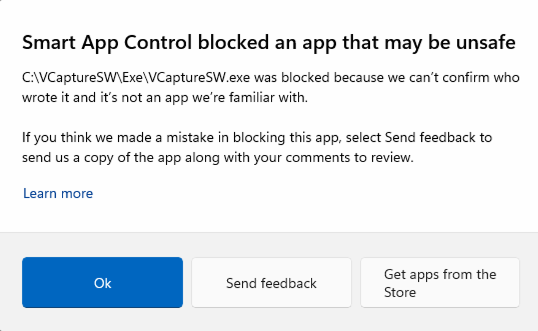
You can use key words or full statement to search by. Alternatively you can simply browse by Category belowSome applications might be blocked and produce a Windows message about program or certain parts of the program might not work properly, after Windows 11 Updates and addition of Smart App Control.
Full information on Smart App Control can be located on MSE Support website: Smart App Control Frequently Asked Questions.
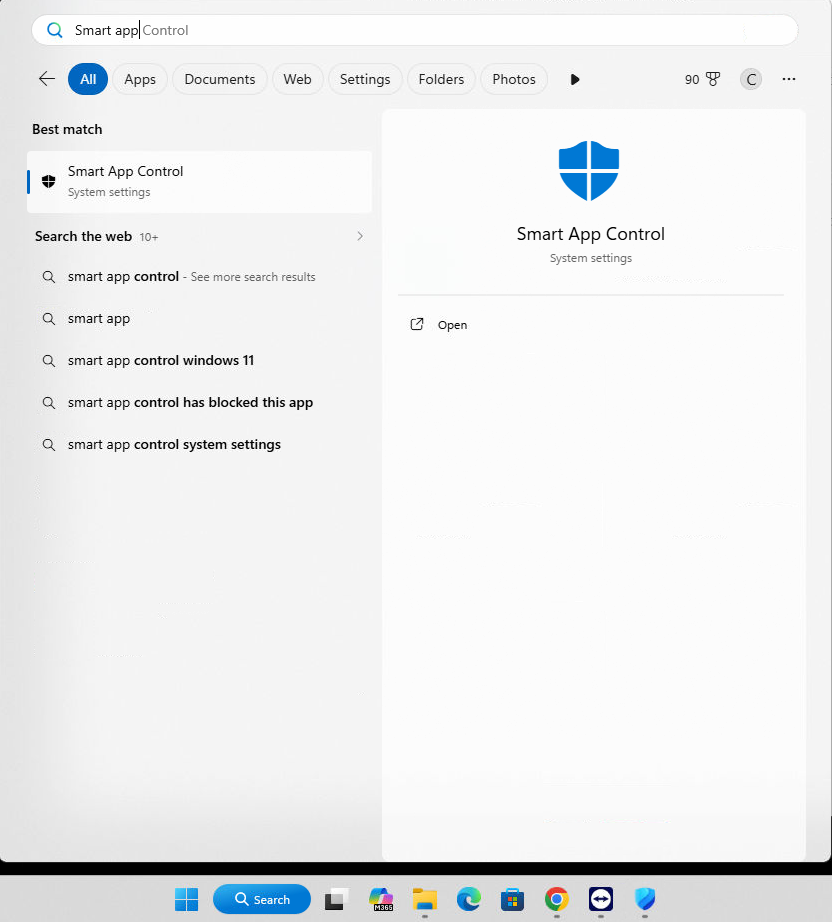
Access Smart App Control by using the 'Search' function in windows and typing 'Smart App Control' and Launching Smart App Control.
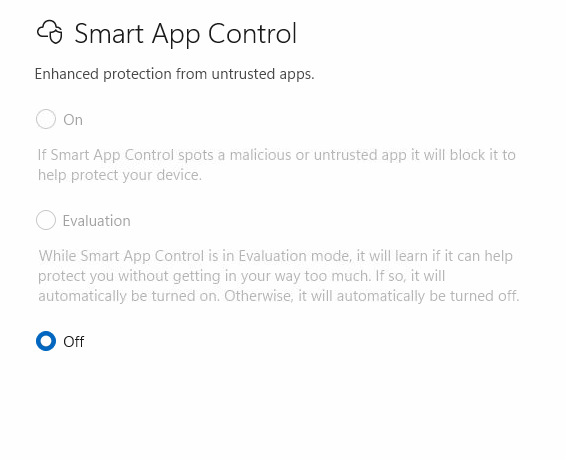
Select "Off" : It is recommended to turn Smart App Control to 'Off', as There is currently no way to bypass Smart App Control protection for individual apps.